Built with Zerone

The Q-library (this site)

Recozy

Orphanage

Free library for community

The Q-library

Connected ecosystem

About The Q-library

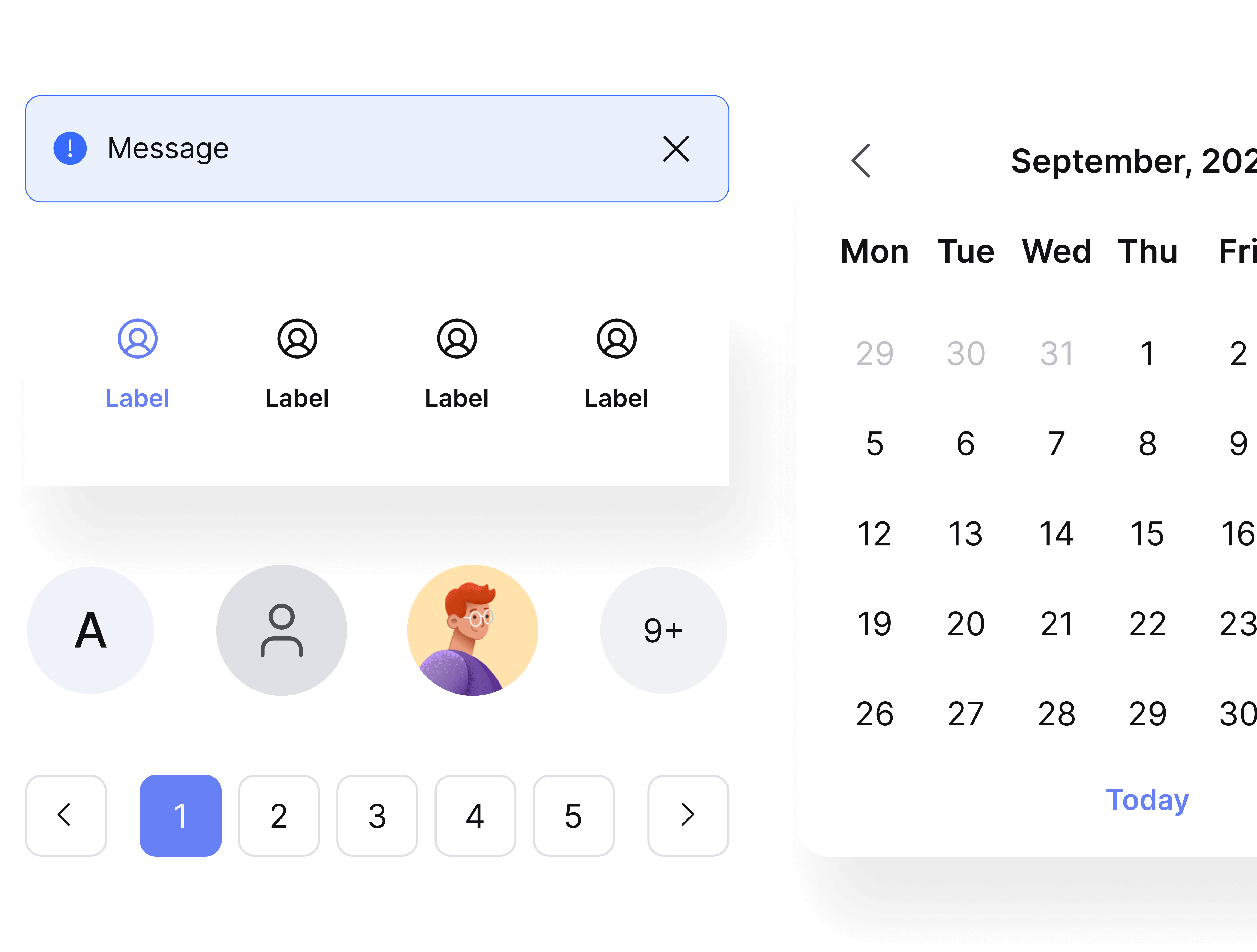
This library is built to support digital product design, providing a structured system that helps you save hours of setup time at the start of every project.

The Q-ecosystem includes three versions

Figma icon on dark background

Two design libraries for Figma

Webflow icon on dark background

One production-ready library for Webflow
Screenshot of a web design tool interface showing page list with Home and draft style pages under Pages panel.

Synchronized and seamless

All versions are created to work together, giving you a smooth workflow from Design system to UI design to Webflow implementation.

About 2.0
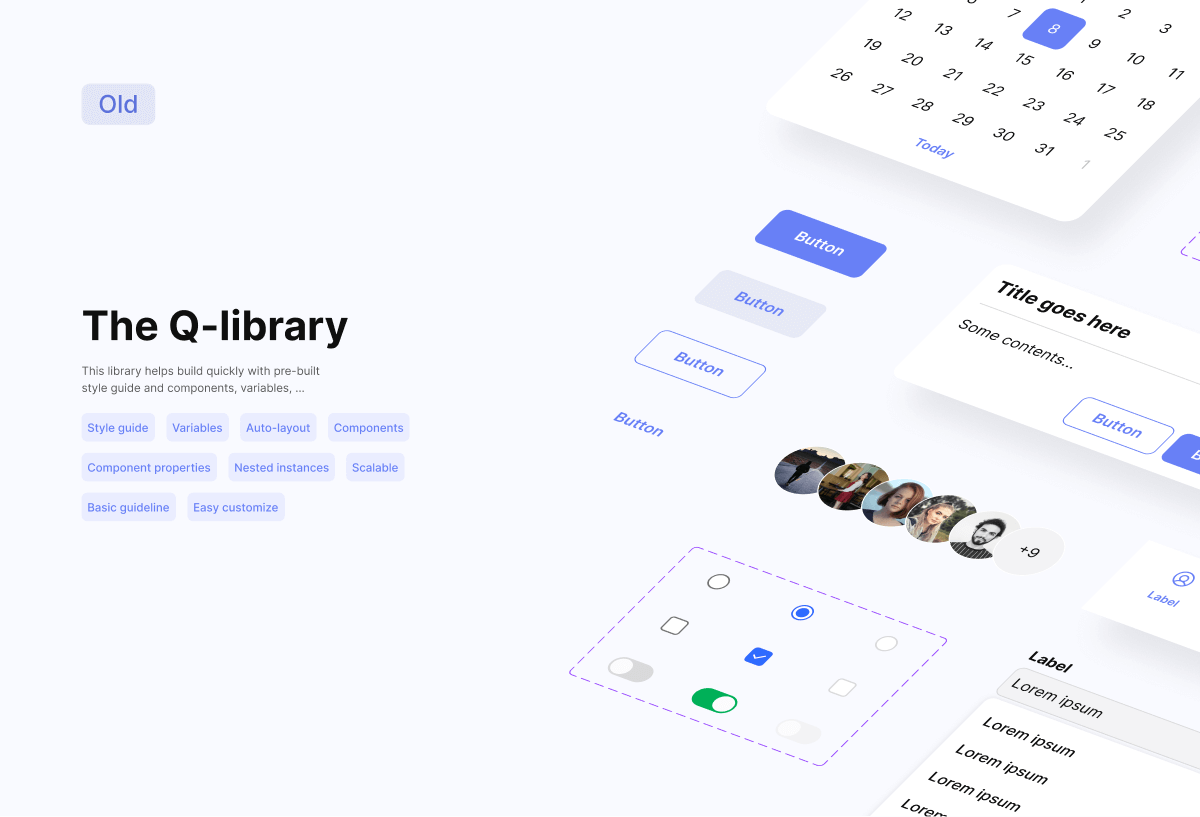
About 1.0

Webflow version

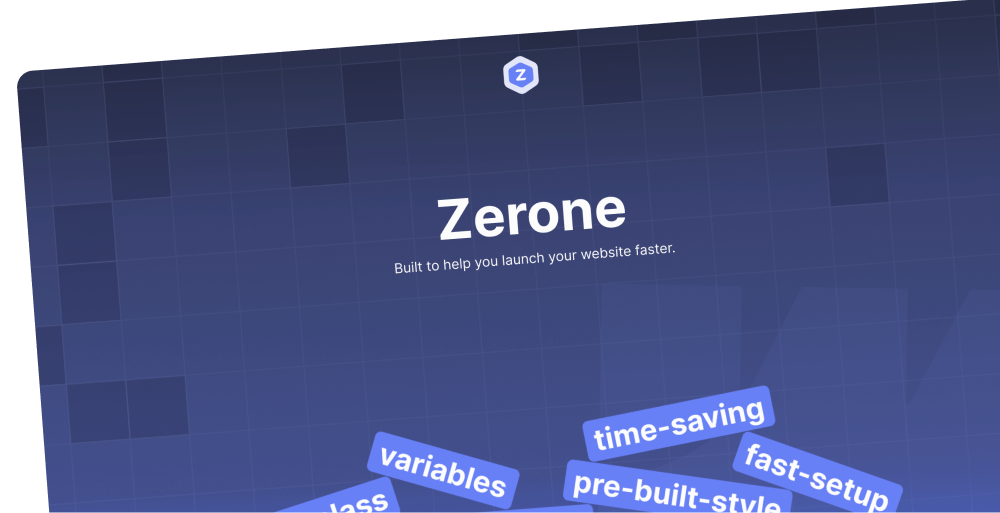
zerone-library

Screenshot of a web design tool interface showing page list with Home and draft style pages under Pages panel.

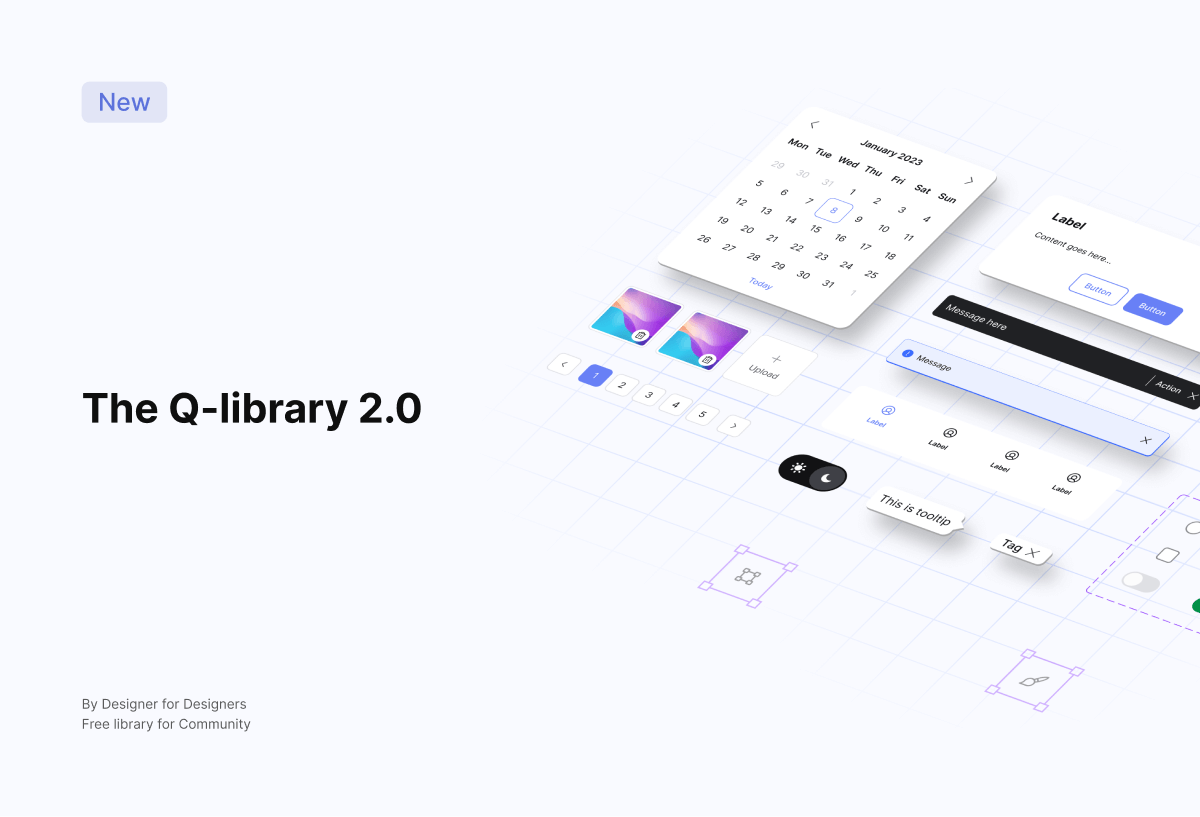
The Q-library 2.0

What’s included in

Figma version

Released on September 2023, v1.0 was built on atomic design principles with pre-built style guides and ready-to-use components, and was upgraded to v2.0 with clearer structures and further improvements to help projects start fast and scale easily.
Figma colored icon

Get 2.0: Official

Figma colored icon

Get 2.0: Lite

Icon grid-design

The 2.0: Official

Built for full-scale products and long-term systems with a clear, well-structured variable setup. Ideal for product teams, complex interfaces, and projects with high demands for variables.

Variable icon

Full variables tiers: global, alias, component-specific

Theme icon

Light & Dark mode support

Auto layout icon

Fully structured Auto Layout

Component icon

Reusable components for web & app

Comp props icon

Component properties & nested instances
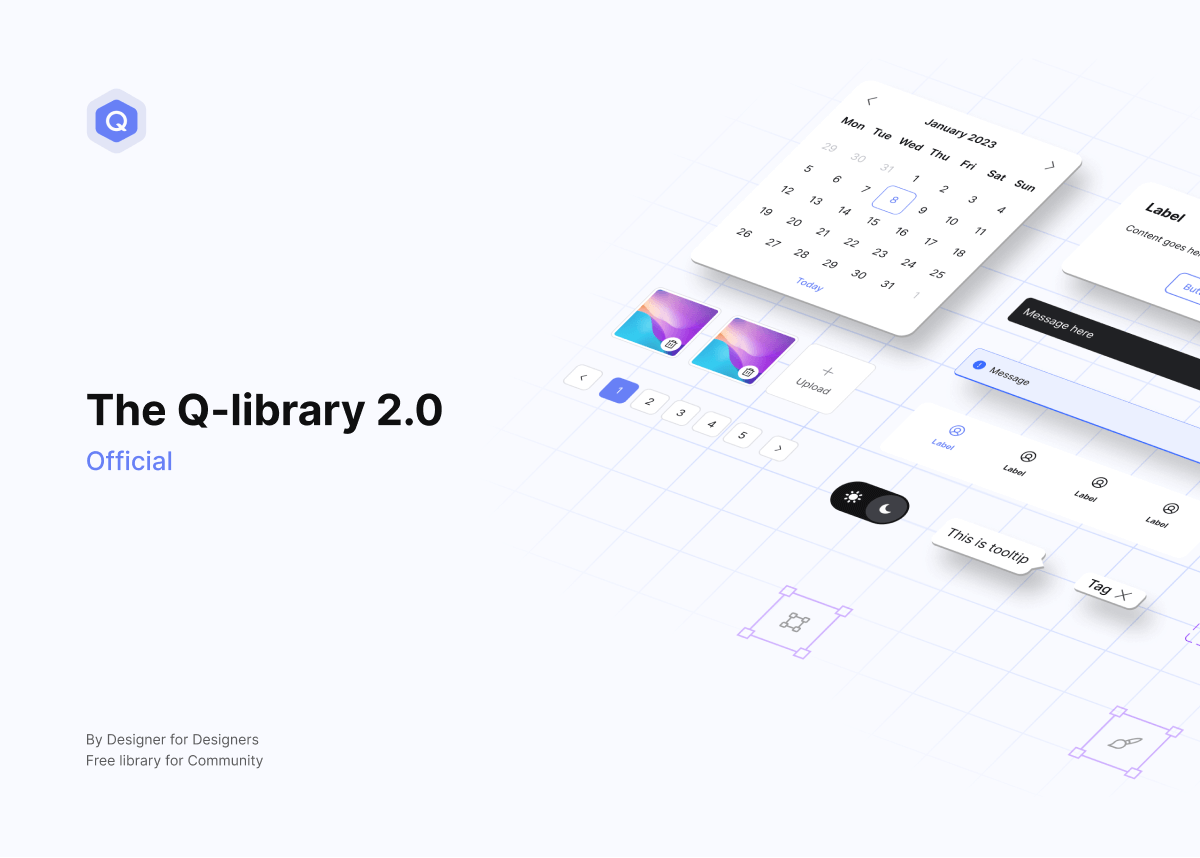
The Q-library 2.0 official
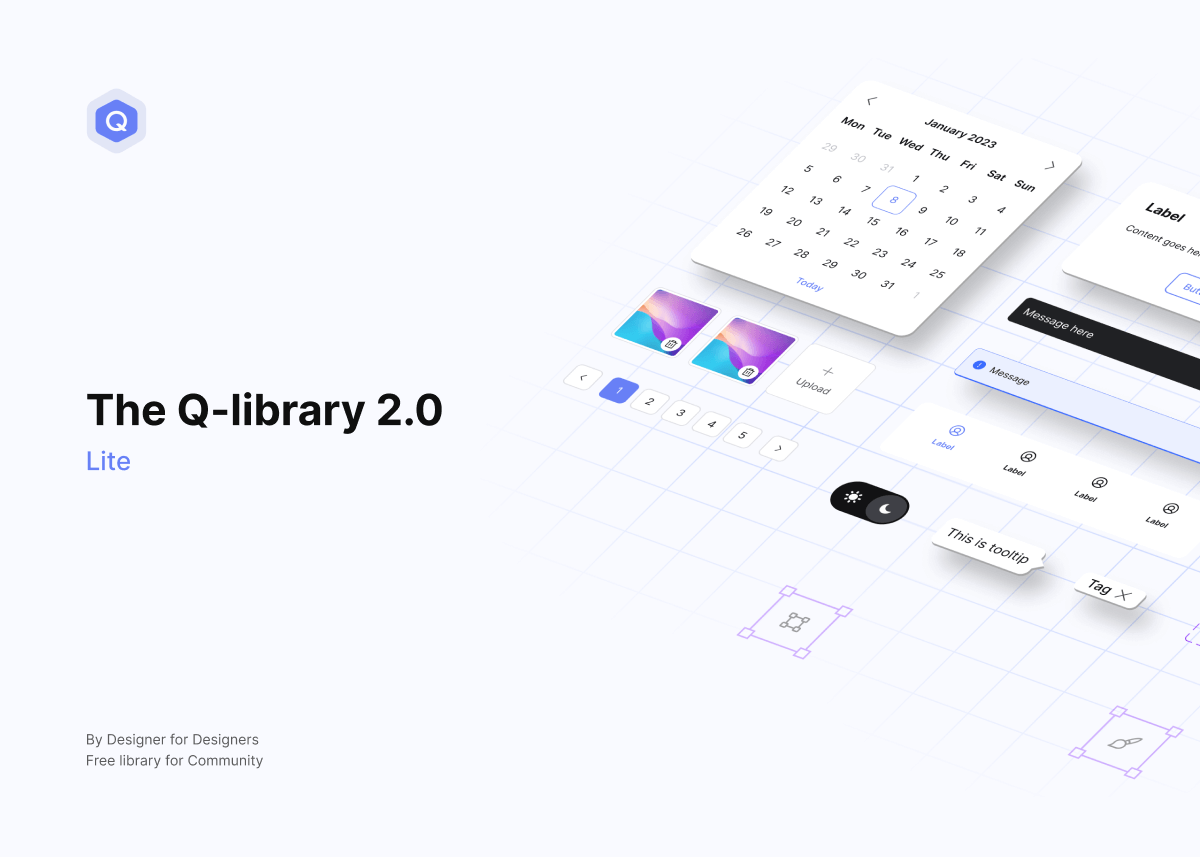
The Q-library 2.0 lite

The 2.0: Lite

A simplified version optimized around variables for fast moving projects and small to mid-sized teams. Perfect for MVPs, landing pages, and quick client work, with the flexibility to grow into a long-term system.

Variable icon

Two variables tiers: global, alias

Theme icon

Light & Dark mode support

Auto layout icon

Fully structured Auto Layout

Component icon

Reusable components for web & app

Variant icon

Added more variants to selected components

Comp props icon

Component properties & nested instances
Visit v1.0 here

Zerone library

Overview

Webflow-version

All global classes are ready to use. Easily and flexibly customize them for any specific need or context. Build faster, stay consistent, and scale your system without rework.
Webflow colored icon

Experience now

View sites built with Zerone

Icon grid-dev
Global tags

Pre-styled default HTML tags like texts and elements. Use them to keep typography and basic elements or components consistent across your project.

global tag
Grid circle
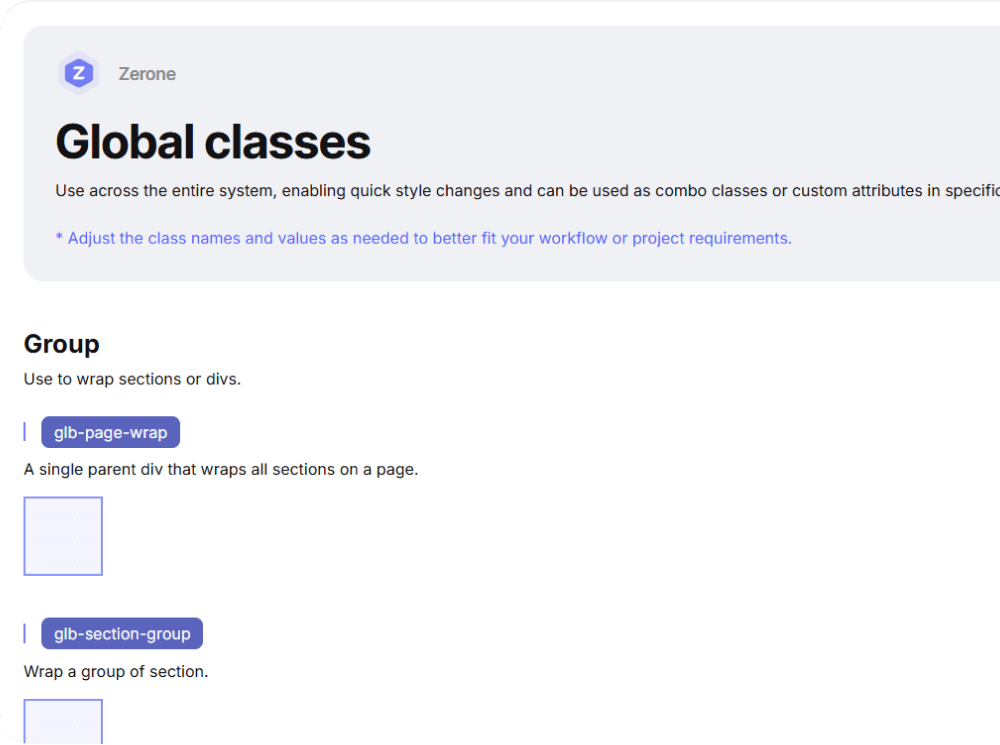
Global classes

Ready-to-use classes for sections and divs. Use them to quickly build layout structure, spacing and alignment,... efficiently without custom styling.
global class
Grid circle
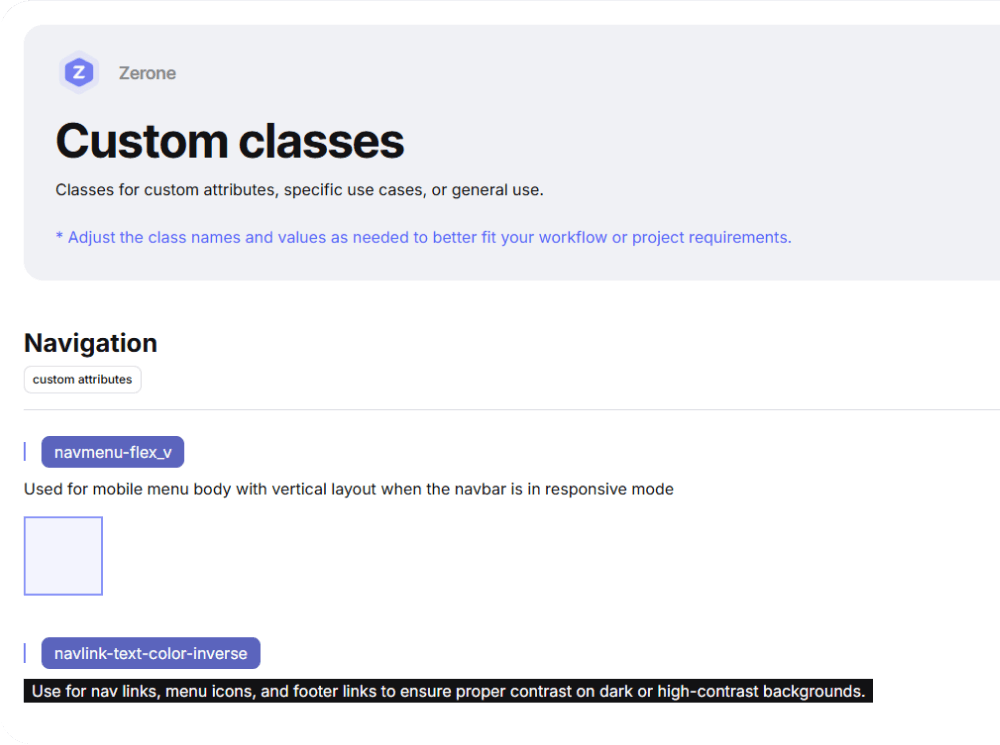
Custom classes

Classes for custom attributes and special use cases. Keeps your system flexible and easy to manage and help avoid long or complex combo classes.
custom class
Grid circle

Built to help you start strong

The Q-Library is not meant to lock you in, it’s built to give you a solid starting point, so you can focus on what really matters: building great experiences. Hope you will have good experience with The Q-library.

The Q-Library is not meant to lock you in, it’s built to give you a solid starting point, so you can focus on what really matters: building great experiences. Hope you will have good experience with The Q-library.

Let’s get started with

Figma colored icon

Get 2.0: Official

Figma colored icon

Get 2.0: Lite

Webflow colored icon

Get Zerone

Webflow icon blur
Figma icon blur

So happy to get all feedbacks to improve this library better in the future, thank you!

Feedback to improve

Screenshot of a web design tool interface showing page list with Home and draft style pages under Pages panel.